Curator
Collect. Organise. Present.
Curator is the No.1 tool for the creative process. From the first fragment of an idea to presentation. Simple, fast, powerful.

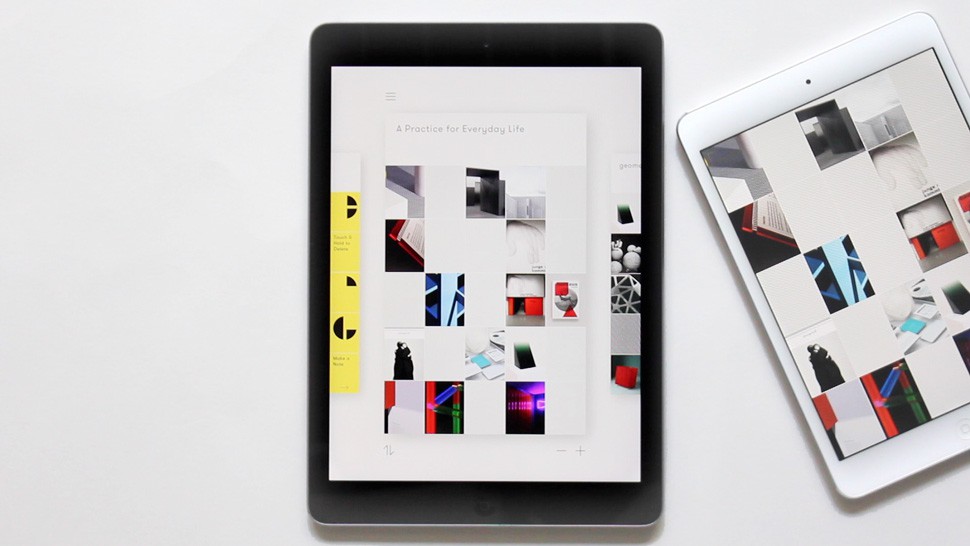
 Curator
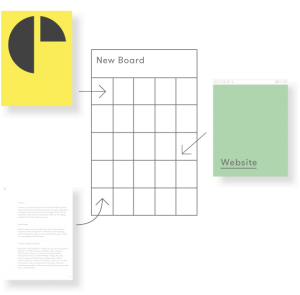
Ideas start with fragments. Collect and see your notes regardless of whether they are websites, images or text. Import from Dropbox, Pinterest, Instagram, etc.
Select visuals, graphics, websites, sketch intro text: build the raw canvas of your storytelling.
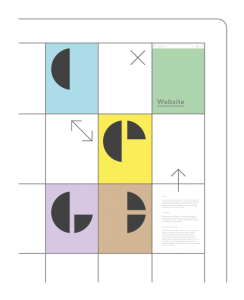
Tactile thinking. Refine ideas by interacting with your collected content, simply drag and drop to organise.
Arrange and juxtapose ideas, switch your thinking from sequential to non-linear in a pinch.
Visual brainstorm has never been that fluid.
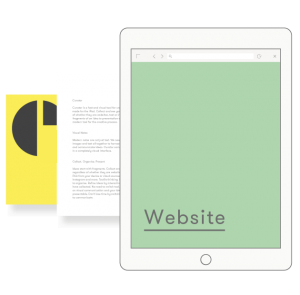
Don’t lose time by switching to another tool. Swipe between notes in full screen mode, your ideas are instantly presentable.
Show your moodboard and references: present live to an audience on a projector or distribute your presentation in PDF.
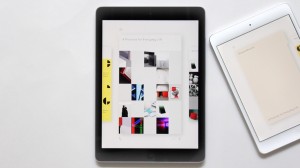
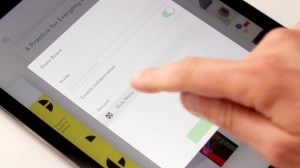
Send a Board to someone new via their email address, or simply select someone you already worked with.
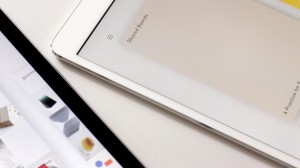
Invite others to collaborate on your Board. Any additions and changes will be instantly visible to all the participants.

Live visual bookmarks. Save and see websites full screen in Curator.

Make visual notes. Pick images from your device or cloud sources like Dropbox, Instagram and more.

Essays or headlines. Make longer text notes or switch to title mode for larger text size.
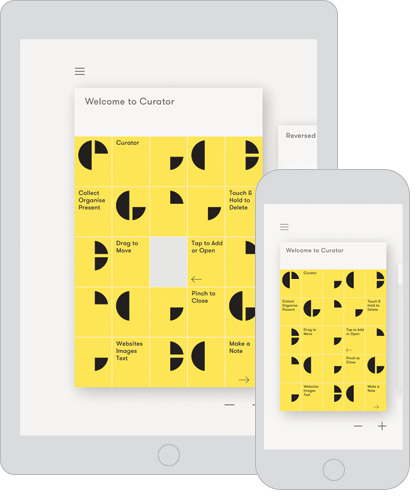
Curator is available and works great on both iPhone and iPad, automatically syncing your content to all your devices (free Sync Account required).
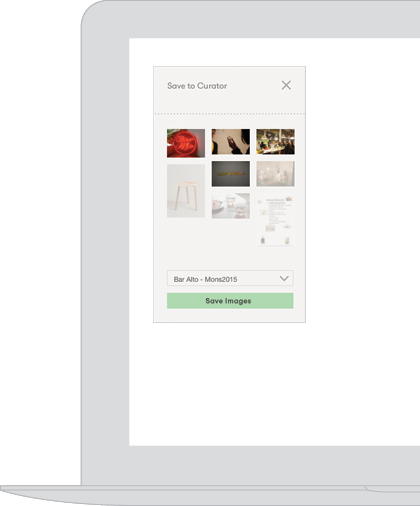
Easily save images and websites from your computer to a Curator Board with our Safari Extension.
Curator is the No.1 tool for the creative process. From the first fragment of an idea to presentation. Simple, fast, powerful.
Creative Review

Wired Design

Designmilk

It’s Nice That

Port Magazine

Protein

Awesome Curating App Perfectly Mashes Up Pinterest, Evernote, and Instagram
— WIRED